|
<< Click to Display Table of Contents >> Operator Module > Native agent app > Native agent app 7.X.X > Options > Profile settings > Palette |
General
On the Palette tab you can choose the look of your chat app. This is very convenient if you work with several agent profiles from the same computer - either monitor or handle chats from several accounts. You can choose individual appearance for each agent profile and easily identify them.
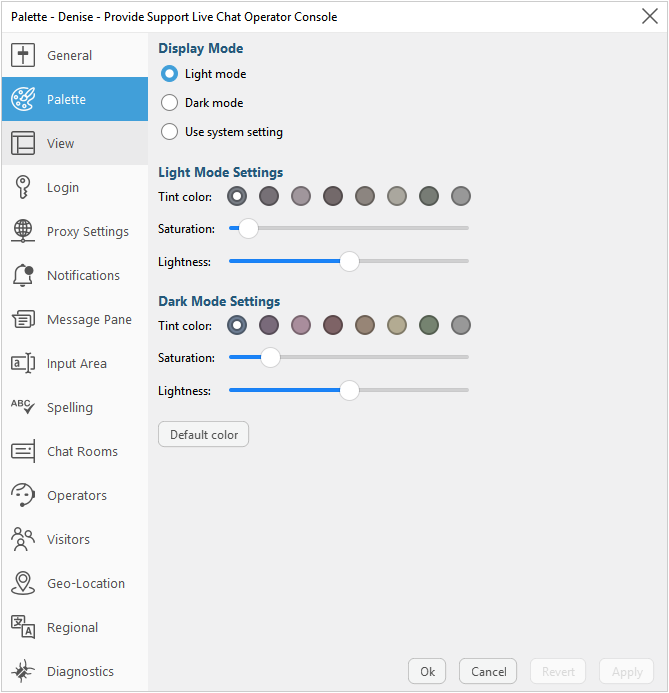
Agent app appearance settings
Here you can select the display mode - light or dark. Alternatively, you can select an option "Use system settings". In this case, the display mode of your operating system is applied. For each mode you can choose tint color, saturation and lightness settings to fit your requirements.