NEW! Protect against tracking, surveillance and data leaks - try VIROLA self-hosted corporate chat
Embedded or Pop-up chat window
Provide Support offers both embedded and pop up chat window mode. Embedded mode is enabled by default. While chatting with your live chat agent, website visitors can minimize it and continue browsing your website. The chat session will remain active in the meanwhile.
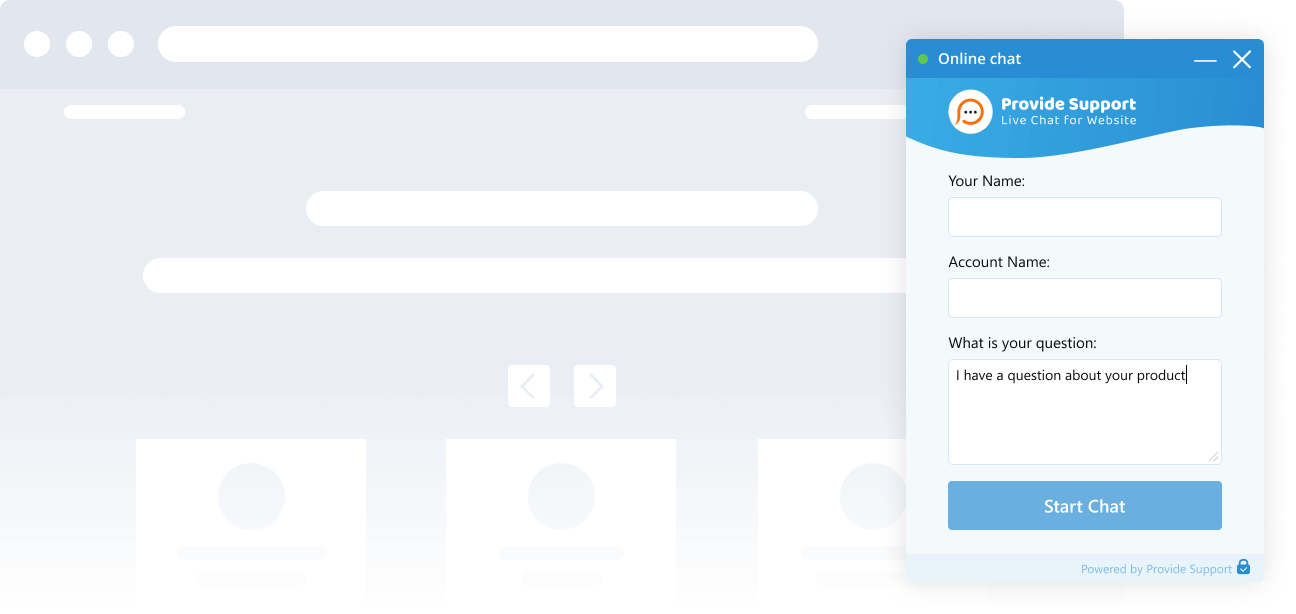
Chat widget size and position
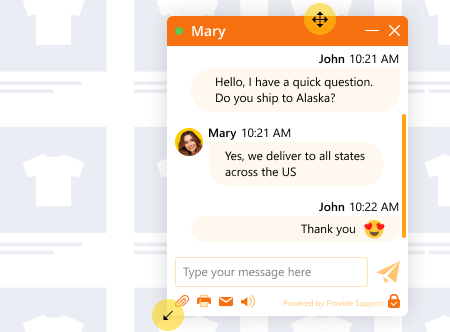
You can make the chat window smaller or larger so that it blends well with your overall website design. You can also choose the best position for the chat button and the chat window will open from this spot as well. Your visitors will be able to drag the chat window or resize after opening it.
Chat window design
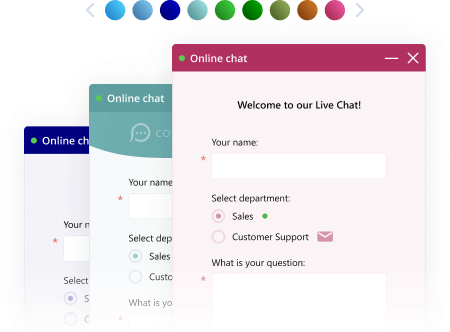
With interactive customizations preview tool you can easily create your chat window design to match your website look and feel. Just pick a theme together with color, choose font family and font size. Check how your chat window, pre-chat and offline forms look in the chat window preview or directly on your website.
Customizable title and logo
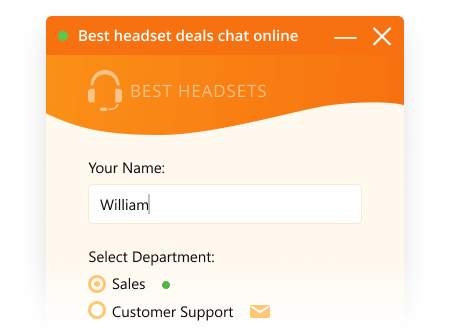
If you would like to brand your chat window, you can add your company logo to the header. You can also choose a predefined logo from our gallery.
Online and offline chat window titles can be changed to match your company style.
Online and offline chat window titles can be changed to match your company style.
Various live chat buttons
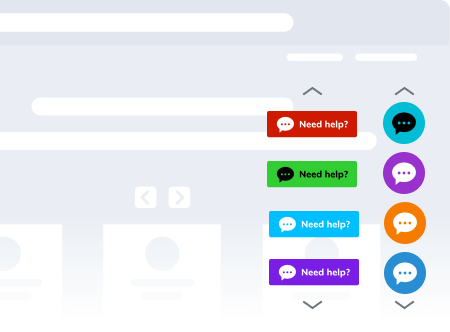
You can choose images from our gallery or upload custom ones to use as a live chat button. You can even use images hosted on your own server if needed.
A text link can also be used as a live chat button. You can assign custom styles to it and make it an integral part of your website.
Enable eye catcher feature to draw visitors' attention to your chat button.
A text link can also be used as a live chat button. You can assign custom styles to it and make it an integral part of your website.
Enable eye catcher feature to draw visitors' attention to your chat button.
Chat button status auto change
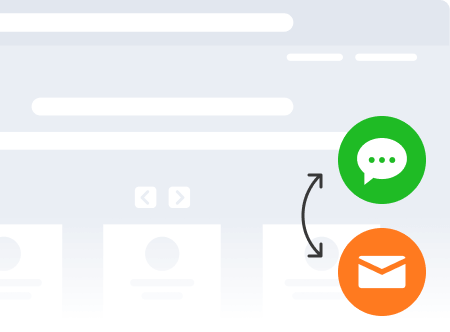
The live chat button on your website will change its status from offline to online right after at least one agent logs into the agent app and appears online there. The status will also change to offline automatically right after all agents log out of their agent apps.
Customizable pre-chat and offline forms
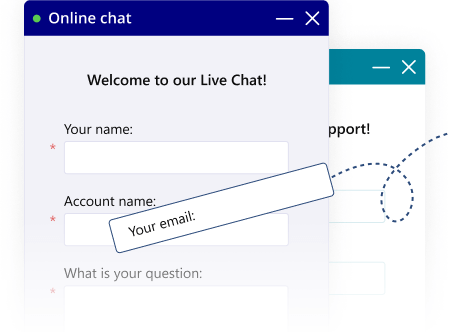
With flexible customization opportunities, you can add fields and create custom drop-down lists on your pre-chat and offline forms. You can also set online and offline chat window titles as well as edit a greeting message which your customers see after clicking the live chat button.
Post chat survey
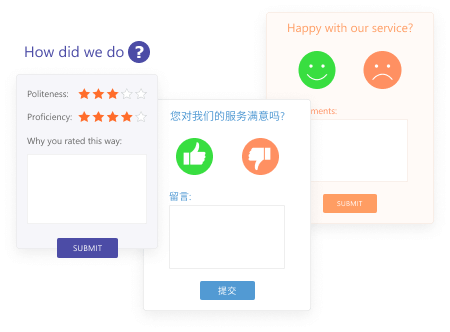
You can select one of the survey templates we offer in our post chat survey gallery or change the survey completely. We offer the ability to download the post chat survey template files, which are basically a set of HTML pages. You can edit the HTML in those pages and create your own survey form.
Offline chat mode
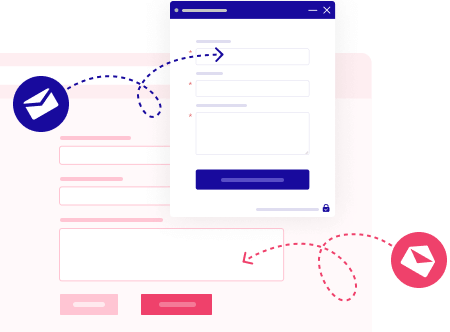
When chat is offline, your visitors are prompted to leave an offline message which goes to the email address you choose.
If you don't want to receive offline messages, you can disable the offline form (the offline chat icon will not appear on your website in this case) or you can redirect visitors to custom offline form on your website page.
If you don't want to receive offline messages, you can disable the offline form (the offline chat icon will not appear on your website in this case) or you can redirect visitors to custom offline form on your website page.
File transfer
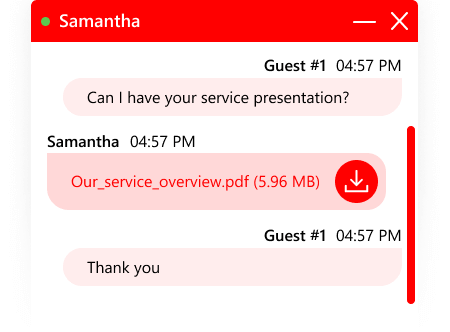
File transfer feature is enabled in the chat window by default. Your customers can paste files from the clipboard, drag and drop them to chat or use a special "Clip" icon in the toolbar.
To protect your agents from receiving harmful files, you can block certain file types from being sent in chat. For example, you can allow sending only images or block executable files and scripts.
To protect your agents from receiving harmful files, you can block certain file types from being sent in chat. For example, you can allow sending only images or block executable files and scripts.
Screenshots sending
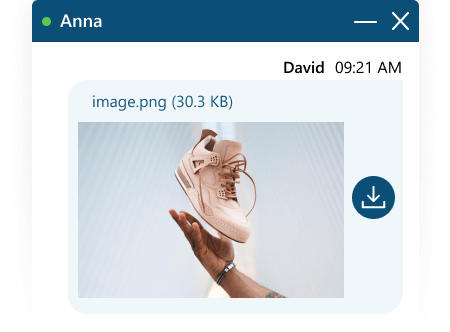
If your customers need to send screenshots there is no need to save files and then transfer them. It is as easy as pasting an image to the chat directly from their clipboard.
Media files and web links preview
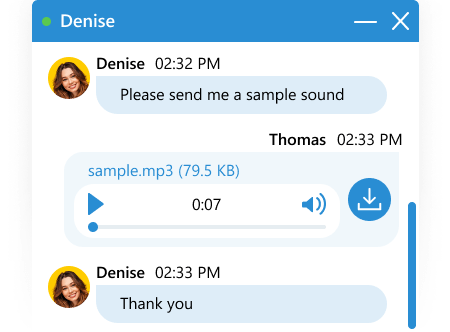
For video, audio and images files preview is available. Your visitors can watch video and listen to audio you send without downloading.
Web links sent via chat are also displayed with a preview. However, this feature can be disabled.
Web links sent via chat are also displayed with a preview. However, this feature can be disabled.
Chat transcript sending
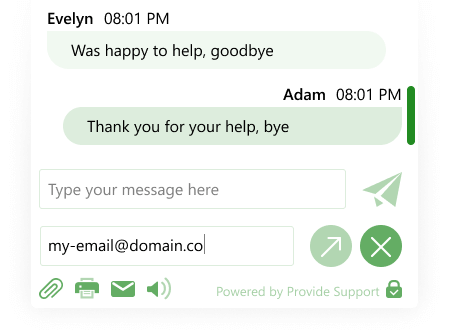
If chat transcripts sending is enabled for your website visitors, an unobtrusive form will appear before the post chat survey and offer your customers an ability to email themselves the chat conversation. They can also email it by clicking an "Envelope" icon in the chat window toolbar.
Customizable system messages
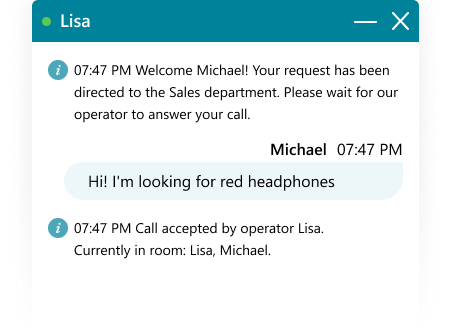
There are a number of system messages which are sent to the customers automatically when triggered by certain events. For example, you can set some system greetings when the customer clicks the live chat button and a pre-chat survey opens, when the customer's chat is accepted by the agent etc. You can set additional department greetings, system messages for events when the chat is transferred to another agent, when the customer or the agent has left the room or disconnected offline.
Default visitor name
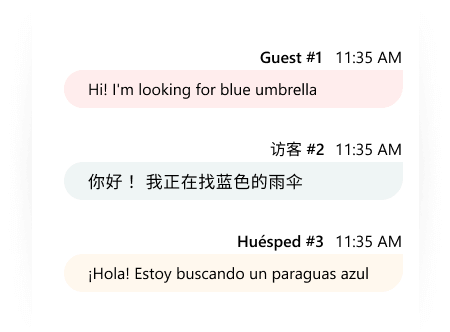
If you removed the field Name from your pre-chat survey or decided to skip it completely, your chat visitors will get the default name "Guest" with a number next to it. However, you can change the default name from "Guest" to your custom one.
Chat features toolbar
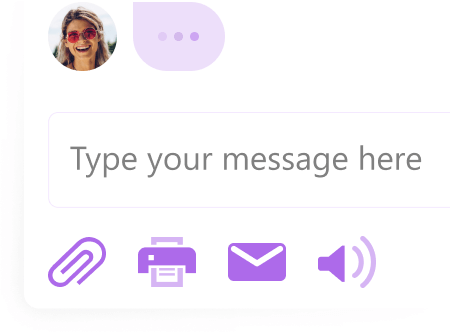
Live chat window toolbar by default offers a few options to customers: to send a file, print out a transcript of the chat, get a transcript by email and enable or disable the sound alerts in the messenger. You can configure the toolbar and show or hide the toolbar buttons according to your needs.
Provide Support branding removal
It is possible to hide the "Powered by" link which is displayed in the bottom right corner of the chat window. This feature is available only for paid accounts.